
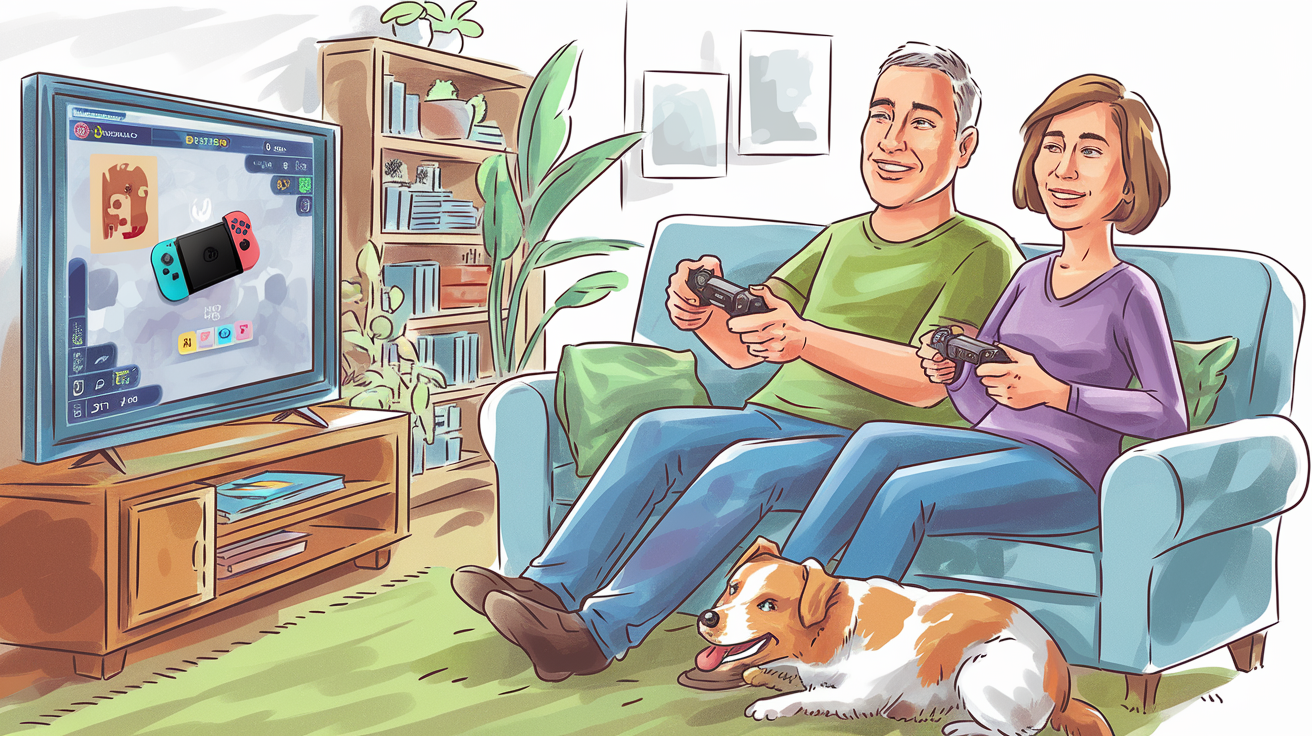
Gaming is more accessible than ever, and it’s a fantastic hobby for all ages. Whether you’re looking for an immersive solo experience, a way to stay active, or a fun social activity, the right gaming platform can make all the difference. But with so many options—PlayStation, Xbox, Nintendo Switch, and PC—how do you decide?
This guide takes a balanced approach, outlining the strengths and weaknesses of each system, helping you find what works best for your needs.
1. Understand Your Gaming Style
Your choice of platform should align with the type of gaming experience you’re looking for.
- PlayStation 5 (PS5): Known for stunning, story-driven exclusives like The Last of Us and Spider-Man. It’s a great choice for single-player experiences but leans heavily into action-adventure and cinematic games.
- Xbox Series X/S: Offers a well-rounded mix of genres and a strong focus on online multiplayer. Its Game Pass subscription provides a vast library of games, which is great for trying out different styles without a large investment.
- Nintendo Switch: Best for casual and family-friendly gaming. It includes lighthearted games like Animal Crossing and Mario Kart, as well as fitness-focused games like Ring Fit Adventure. However, it has fewer high-end, realistic games than PlayStation or Xbox.
- PC Gaming: Offers the most variety, from point-and-click adventures to complex simulations. If you’re comfortable using a computer, starting with PC gaming can actually be the easiest due to intuitive mouse controls and customisation options. However, setup can sometimes be more involved.
2. Prioritise Ease of Use
Ease of use depends on your familiarity with technology and how much effort you want to put into setup.
- Most intuitive: Nintendo Switch – Easy to set up and navigate, with simple controls and a user-friendly home menu. Ideal for beginners.
- Straightforward but feature-packed: Xbox Series X/S – The Xbox dashboard is clean, with helpful tutorials and built-in voice control for accessibility.
- Moderately complex: PlayStation 5 – While the PS5 interface is sleek, navigating settings and features can take time to master.
- Depends on your familiarity: PC Gaming – If you already use a computer daily, point-and-click games or plug-and-play PC gaming can be the simplest option. However, more advanced setups require knowledge of hardware and game installations.
3. Consider Comfort and Accessibility
Comfort and accessibility features can make gaming a more enjoyable experience, especially if you have mobility or vision considerations.
- Best for controller comfort: Xbox Series X/S – The Xbox controller is widely regarded as the most ergonomic and comfortable for long play sessions. Microsoft also offers the Xbox Adaptive Controller for players with mobility challenges.
- Best for motion-based gaming: Nintendo Switch – Joy-Cons allow for motion-controlled games, which can be great for fitness and engagement, but they may be uncomfortable for extended use.
- Best for visual accessibility: PC Gaming – PC settings allow for the most control over text size, contrast, and input remapping, making it a great choice if you need specific accessibility options.
- Best for immersive feedback: PlayStation 5 – The DualSense controller features haptic feedback and adaptive triggers that provide a deeper sense of interaction, though the controller is slightly heavier.
4. Evaluate Your Budget
Gaming systems vary widely in price, not just in hardware but in-game costs and subscription services.
- Most budget-friendly: Nintendo Switch & Xbox Series S – The Switch Lite is the cheapest option, though it only supports handheld play. The Xbox Series S is a great budget console with access to Game Pass for an affordable monthly fee.
- Mid-range options: PlayStation 5 & Xbox Series X – Both require a larger upfront cost but offer powerful gaming experiences with high-quality exclusives.
- Potentially the most expensive (but also the most flexible): PC Gaming – A PC can range from budget-friendly to high-end, depending on your needs. The upside is that PC games often have deep discounts, and a well-built PC can last longer than a console.
5. Think About Connectivity and Community
If you enjoy gaming as a social activity—whether with family, friends, or online communities—connectivity is an important factor.
- Best for local multiplayer: Nintendo Switch – Great for in-person play with titles like Mario Kart and Super Smash Bros., making it a fun choice for gaming with family.
- Best for online multiplayer: Xbox Series X/S – Xbox Live has a strong reputation for smooth online gaming, and Game Pass allows cloud gaming, so you can play without needing the most powerful hardware.
- Best for sharing gameplay & streaming: PlayStation 5 – The PS5 has built-in streaming features and a strong online ecosystem for sharing game clips.
- Best for large gaming communities & variety: PC Gaming – PC gaming offers access to a vast number of online communities, from casual games to competitive multiplayer. Platforms like Steam and Discord make it easy to connect with others.
Endgame Thoughts
Choosing the right gaming system depends on what you prioritise—ease of use, affordability, comfort, or game variety.
If you want a straightforward, fun experience, the Nintendo Switch is a fantastic starting point. If you prefer a powerful system with high-end games, PlayStation 5 or Xbox Series X are excellent choices, with Xbox offering better accessibility options. Meanwhile, PC gaming provides unmatched flexibility and game variety, though it may require more initial setup.
No matter what you choose, remember that gaming is for everyone, and #funisageless!
Affiliate Disclosure: Some links in this post may be affiliate links, meaning if you make a purchase, we may earn a small commission at no additional cost to you. This helps keep the blog going—thank you for your support!
 # Fun Is Ageless